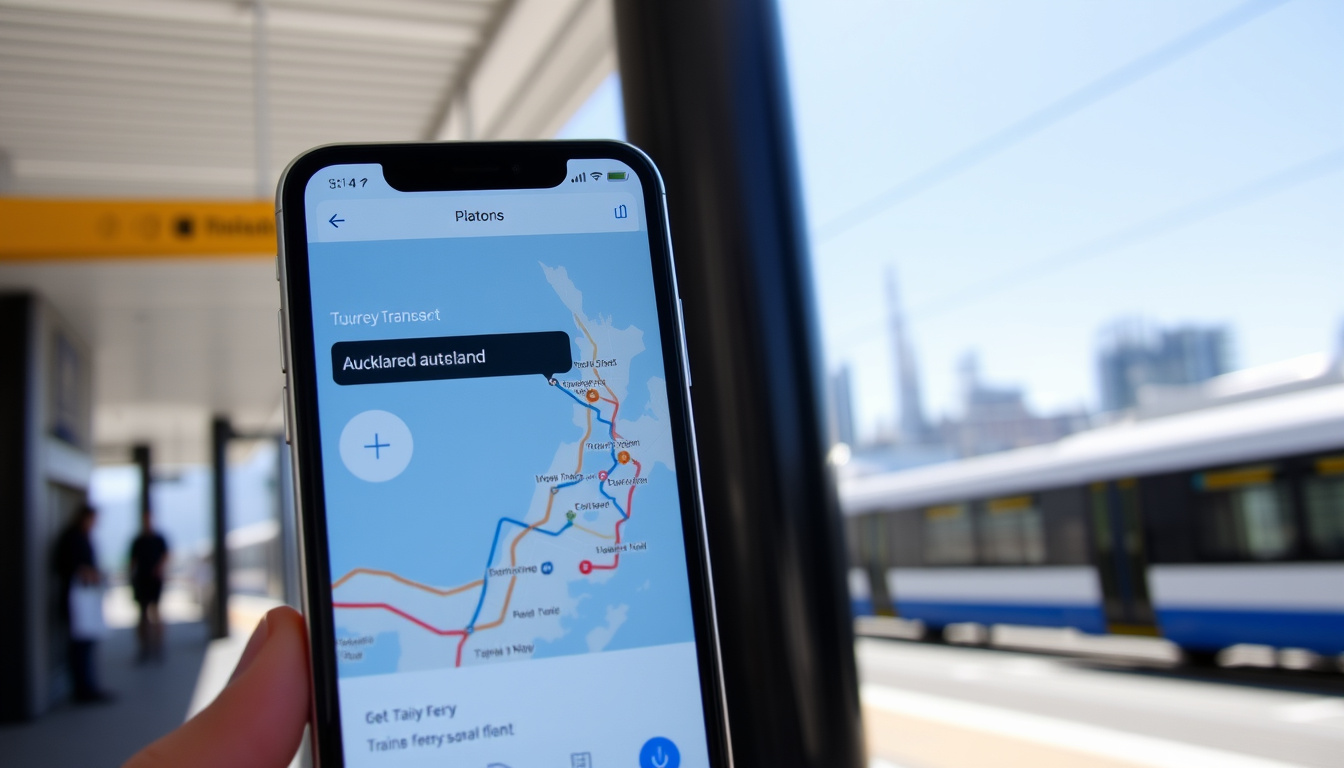
Anyone who has tried to navigate Auckland’s public transport without a map knows the feeling of wondering which bus goes where. The AT HOP journey planner, paired with the AT HOP card, takes the guesswork out of getting around the city — whether you are catching a bus, train, or ferry, and this guide walks through how to use it, download timetables, and make the most of the integrated ticketing system, with over 200,000 daily boardings across 100+ bus routes alone, the tool is built for real-world use.
Network size: 100+ bus routes, 4 rail lines, 3 ferry services · Daily boardings: over 200,000 · AT HOP cards issued: over 1 million · Journey planner modes: bus, train, ferry, walking, cycling
Quick snapshot
- AT journey planner is provided by Auckland Transport (Auckland Transport (official transport authority))
- AT HOP card is required for discounted fares (Discover Auckland (tourism board))
- Bus timetables are available as PDFs (Auckland Transport (official transport authority))
- Exact frequency of timetable updates (official statement says “regularly”) (Auckland Transport (official transport authority))
- Whether all private ferry services are covered (Discover Auckland (tourism board))
- AirportLink runs every 10 minutes from 4:30am to 12:40am daily (Auckland Airport (airport authority))
- Bus route 38 operates every 15–20 minutes, 365 days a year (Auckland Airport (airport authority))
- AT Mobile app integrates real-time departures and live tracking (Google Play (official app store))
- New mobile-friendly timetables launched alongside existing PDFs (Auckland Transport (official transport authority))
The snapshot facts you need: the planner’s official URL, the companion app, supported modes, and where to get an AT HOP card.
| Fact | Detail |
|---|---|
| Official planner URL | at.govt.nz/journey-planner (Auckland Transport (official transport authority)) |
| App name | AT Mobile (Google Play (official app store)) |
| Supported transport modes | Bus, train, ferry, walking, cycling (Auckland Airport (airport authority)) |
| AT HOP card purchase locations | Stations, retail stores, online (Auckland Airport (airport authority)) |
How do I use the AT HOP journey planner?
To plan a journey, follow these steps:
- Access the planner – go to at.govt.nz/journey-planner or open the AT Mobile app.
- Enter start and end points – type addresses, landmarks, or stop names.
- Select travel mode and time – choose bus, train, ferry, walking, or cycling, and set departure or arrival.
- Review journey options – see routes, times, fares, and maps; save favourites.
How to access the journey planner?
Open your browser and go to at.govt.nz/journey-planner (Auckland Transport (official transport authority)). No download required. You can also launch the AT Mobile app from Google Play (official app store) or the Apple App Store — both give the same journey planning engine with a mobile-first interface.
How to enter start and end points?
- Type your starting location and destination in the two search fields. The planner supports addresses, landmarks, and stop names (Auckland Airport (airport authority)).
- Use the “Swap” button to reverse direction quickly.
- The planner will show the best route, travel time, and fare estimate when an AT HOP card is linked (Heart of the City (city business association)).
How to select travel mode and time?
- Choose from bus, train, ferry, walking, or cycling — or let the planner pick the fastest combination (Discover Auckland (tourism board)).
- Set a departure or arrival time. The planner shows multiple options with real-time updates where available (Google Play (official app store)).
- Filter results by “fewest transfers” or “least walking” if you prefer a simpler trip.
How to view journey options and details?
- Each option lists the route number, stops, estimated duration, and fare zone breakdown. The fare is a single zone-based charge even if you switch between bus and train (Auckland Airport (airport authority)).
- Click “Show map” to see the route visually. The AT Mobile app also lets you follow the trip live (Google Play (official app store)).
- Save regular trips as favourites in the app for quick replanning (Google Play (official app store)).
Where can I find the AT HOP bus timetable?
Where to view bus timetables online?
Visit the Auckland Transport (official transport authority) timetables page. You can select a route number or browse by area. The new mobile-friendly timetables let you filter by date and stop, change route direction, and jump between timetables without reloading.
How to download bus timetable PDFs?
- Still on the same page, each route has a “Download PDF” button. PDFs show the full schedule for that route, including all stops (Auckland Transport (official transport authority)).
- Print or save the PDF for offline access — useful for areas with poor mobile reception.
- PDFs are updated when service changes occur, roughly every quarter (Auckland Transport (official transport authority)).
Are there mobile-friendly timetable options?
Yes. AT’s mobile-friendly timetables work on any smartphone browser. They automatically detect your location and show the next departures from nearby stops. This is the recommended option for most users because it includes real-time adjustments (Auckland Transport (official transport authority)).
Is there a PDF version of the AT bus timetable?
How to identify the correct PDF for my route?
- On the timetables page, enter your route number (e.g., “38” or “AirportLink”).
- The result page shows both the interactive timetable and a download link for the PDF version of that specific route (Auckland Transport (official transport authority)).
- PDFs include the full schedule for that route only — there is no combined multimodal PDF (Auckland Transport (official transport authority)).
How often are PDF timetables updated?
Auckland Transport updates PDF schedules when there are service changes, typically four times a year (quarterly). The mobile-friendly timetables reflect these changes immediately, while the PDF may lag by a few days (Auckland Transport (official transport authority)).
Can I get combined multimodal PDFs?
No. AT does not publish a single PDF covering all bus, train, and ferry services. You must download separate PDFs for each route. The journey planner is the only tool that automatically combines modes into one trip (Heart of the City (city business association)).
For a rider using multiple services, juggling separate PDFs is cumbersome. The AT journey planner eliminates that hassle by merging all routes into a single trip plan with fare breakdown.
What is the AT HOP card and how does it relate to journey planning?
How to get an AT HOP card?
AT HOP is a reusable prepaid card for Auckland’s public transport. You can buy one at ticket machines in train stations, at selected retail outlets (e.g., dairy stores, supermarkets), or order online via your AT account (Auckland Airport (airport authority)). Cards cost a small deposit and come with pre-loaded value options.
How to top up and manage the card?
- Top up online through your AT HOP account, at any ticket machine, or at a retail outlet.
- Auto-top-up can be set to avoid low balance disruptions. The journey planner shows your current card balance and fare deductions after each ride (Google Play (official app store)).
- Lost or damaged cards can be reported online and the balance transferred to a replacement.
How does the card integrate with the journey planner?
When you log in to your AT HOP account (available via the website or AT Mobile), the journey planner calculates exact fares for each proposed route. It shows the remaining card balance and highlights discounts such as multi-day passes or zone caps (Heart of the City (city business association)). This integration means you never have to guess the cost before boarding.
Without linking your AT HOP card to the planner, you only see estimated fares. Linked accounts give precise, real-time deductions and ensure you never overpay.
Can I use the AT journey planner for trains and ferries?
Which train lines are included?
All four Auckland train lines are covered: Eastern, Southern, Western, and Onehunga. The planner includes real-time departure updates for these services (Discover Auckland (tourism board)).
Which ferry services are included?
- Major ferry services such as Devonport, Waiheke Island, Half Moon Bay, and Bayswater are integrated.
- Some small private ferry operators may not appear — the planner covers AT-scheduled services only (Discover Auckland (tourism board)).
How are transfers between modes handled?
The journey planner automatically suggests the best transfer points — for example, from a bus to a train at Britomart or a train to a ferry at Downtown Ferry Terminal. Because fares are zone-based, you pay only one fare even if you use bus, train, and ferry on the same trip (Auckland Airport (airport authority)).
For a daily commute mixing bus and train, the planner eliminates double-payment worry. Auckland’s zone system means you never pay twice for one journey.
What’s clear and what remains uncertain
Confirmed facts
- AT journey planner is provided by Auckland Transport (Auckland Transport (official transport authority))
- AT HOP card is required for discounted fares (Discover Auckland (tourism board))
- Bus timetables are available as PDFs (Auckland Transport (official transport authority))
What remains unclear
- Exact frequency of timetable updates — official language is “regularly” (Auckland Transport (official transport authority))
- Whether all private ferry operators are included in the planner (Discover Auckland (tourism board))
- Whether AT Mobile app provides accurate real-time departures for all services (inferred from app description)
- Whether the fare zone system always charges a single fare without exceptions (inferred from zone policy)
- How third-party journey planners (like Moovit) source their data compared to AT’s official feed (Moovit (third-party app))
Quotes from officials and app descriptions
AT’s mobile-friendly timetables let users filter by date and stop, change route directions, and move between timetables.
Auckland Transport (official transport authority) For the most up-to-date information on Auckland’s transport network, you can Compare mortgage rates in NZ.
The AT Mobile app helps users plan and track journeys across AT Metro bus, train, and ferry services, and also supports walking and cycling trip planning.
The journey planner will show available routes, times, fares, and maps for trips.
Some buses in the city centre operate every 10 to 15 minutes.
Discover Auckland (tourism board)
Summary
The AT HOP journey planner, together with the AT HOP card, delivers what many city transport systems promise but few achieve: a single interface that plans, prices, and tracks a multi-modal trip. The catch is that the system works only as well as the data behind it — real-time updates rely on GPS-equipped buses and trains, and not every private ferry is yet covered. For Auckland commuters who rely on daily bus-train combos, the decision is clear: use the planner with a linked AT HOP card to avoid overpaying and to get the most reliable route information, or carry separate PDFs and guess the fare.
kiwiexperience.com, thetimey.com, en.wikipedia.org, heartofthecity.co.nz, heartofthecity.co.nz, journeys.nzta.govt.nz
For seamless travel, the AT HOP journey planner works alongside convenient AT HOP card top-up options to keep your balance topped up.
Frequently asked questions
Can I top up my AT HOP card online?
Yes. Log in to your AT HOP account on the AT website or the AT Mobile app to add funds instantly. You can also set up auto-top-up.
What is the AT HOP card refund policy?
AT HOP cards are non-refundable, but the remaining balance can be transferred to a new card if the original is lost or damaged. Check AT’s official policy for details.
Are there discounts for students on AT services?
Yes. Tertiary students can apply for a Tertiary AT HOP card that offers discounted fares. Secondary school students also have a special card. Visit AT’s website for eligibility.
Can I use the AT HOP card on the SkyBus?
Yes. AT HOP cards are accepted on the SkyBus between Auckland Airport and the city. The SkyBus also accepts contactless payments.
How do I check my AT HOP card balance?
You can check online via your AT HOP account, at any ticket machine, or by tapping the card at a reader. The AT Mobile app also shows your balance.
What should I do if my AT HOP card is lost or stolen?
Report it immediately through your online AT account. The remaining balance can be transferred to a replacement card, but you may forfeit the deposit.
Is the AT journey planner available in other languages?
The AT website and planner are primarily in English. The AT Mobile app currently supports only English.